
Search engines want to deliver pages that are easy to crawl, technically sound and provide a good user experience. Even the most compelling content can fail to rank if search engine crawlers struggle to access your site.
A technical SEO audit is a systematic review of all the unseen elements such as server response codes, site architecture, crawlability, page speed, security and other technical elements that ensure your website is healthy and easy for search engines to understand.
In this guide, we explain what a technical SEO audit is (sometimes referred to as a website technical audit), why it matters, how to perform one and provide a checklist you can use to get started.
What is a Technical SEO Audit?
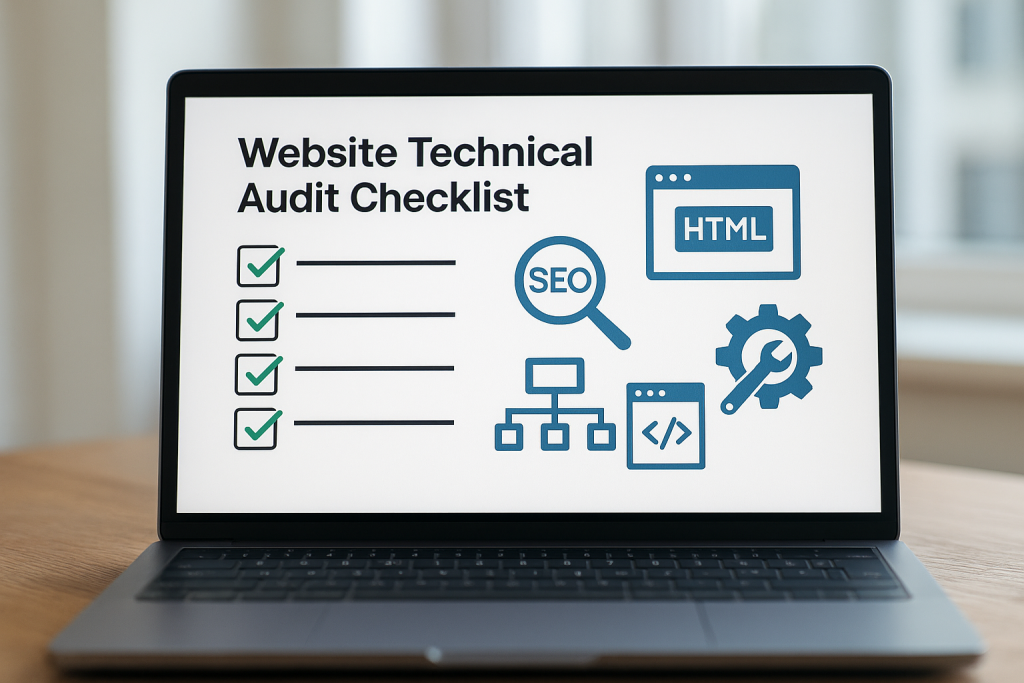
Technical SEO refers to optimisations that help search engines crawl, index and understand your website. It covers everything from the way your site is coded and structured to your XML sitemap, robots.txt file, redirects and security.
A technical SEO audit typically covers site architecture, URL structure, the way your site is built and coded, redirects, your sitemap and robots.txt file, image delivery and site errors. It’s an in-depth examination of a website’s infrastructure, ensuring it meets search engine guidelines for performance, indexing and ranking.
In practice, a website technical audit is like checking the foundation of a building: you make sure the underlying framework supports everything else and doesn’t hide structural issues.
Why is a Technical Audit Important?
Your website’s technical health underpins all other SEO work. Digivate compares it to a house foundation:
“Ignore it and you reduce the impact of every other SEO improvement.”
If Google can’t crawl important pages because of a misconfigured robots file or index them because of a stray noindex tag, then on-page and content work will go to waste.

A website technical audit helps uncover such issues and ensures that search engines can access and interpret your content correctly. It also improves user experience because many technical tasks, such as improving page speed and mobile responsiveness, make the site easier for real people to navigate.
At Seek Marketing Partners, we often help clients by performing a thorough technical audit before any other SEO work — this lays the groundwork for more advanced optimisation.
Why You Should Perform a Technical SEO Audit?
There are several reasons to perform a technical audit regularly:
- To detect crawling and indexing issues – Without an audit, you may not realise that bots are being blocked by your robots.txt file or that a migration introduced errors. WordStream emphasises that the robots.txt file is the first stop for any crawler and should not accidentally block important sections.
- To identify duplicate or thin content – Duplicate pages cause search engines to struggle to choose which version to rank. An audit finds duplication and helps you consolidate it.
- To ensure mobile-friendliness and page speed – Google uses the mobile version of a site for ranking and indexing. Slow pages and poor mobile layouts hurt both rankings and conversions.
- To stay up to date with algorithm changes – Search engines increasingly focus on user experience and technical signals. An audit allows you to respond proactively to updates.
- To maintain security and trust – HTTPS, secure forms and a clean server prevent warnings in browsers and help protect your visitors.
Learn How to Conduct a Technical SEO Site Audit
There are many ways to carry out a site audit. Below, we outline a typical approach we take when helping clients with technical SEO. You can adjust the order depending on your site’s size and complexity, but the general process covers crawlability, indexability, performance, structure, content and authority.
1. Crawl your website
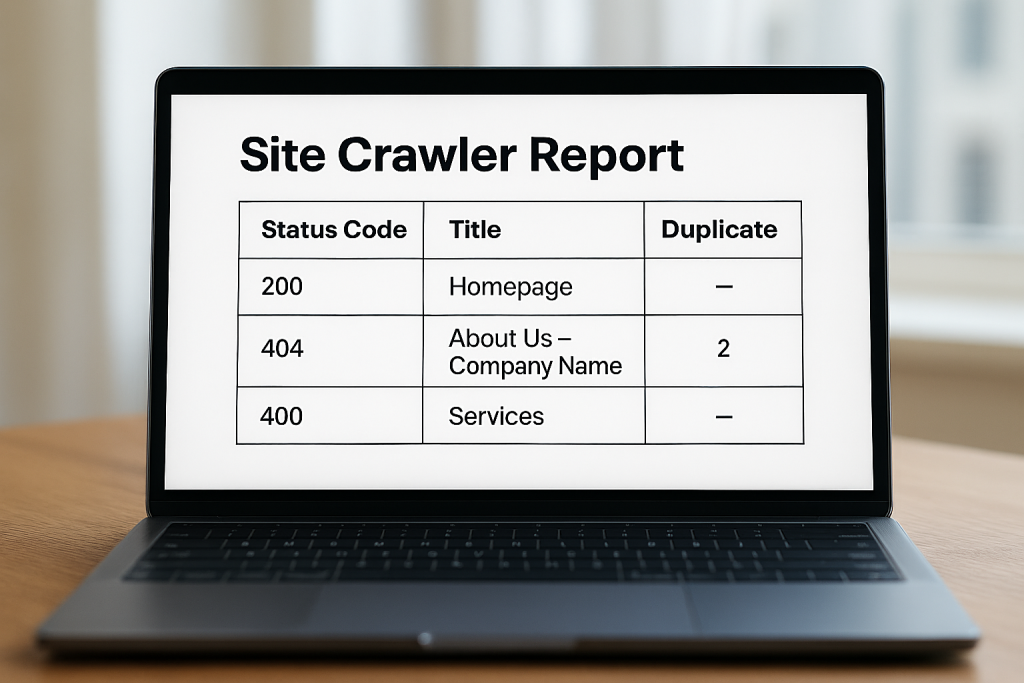
A crawl is the starting point of any technical audit. Use technical SEO tools to scan all your URLs and gather data on status codes, canonical tags, meta directives and more. We recommend running a crawl to map out your website’s structure and identify issues.
At Seek Marketing Partners, when we crawl a site, we always make note of pages returning errors, redirects, duplicate titles, missing meta tags and other anomalies. Tools like Screaming Frog allow exporting these issues so you can prioritise fixes.
2. Check crawlability and robots.txt
Search engines read your robots.txt file before crawling. You can test specific URLs with Google’s robots.txt tester to see if they are blocked.
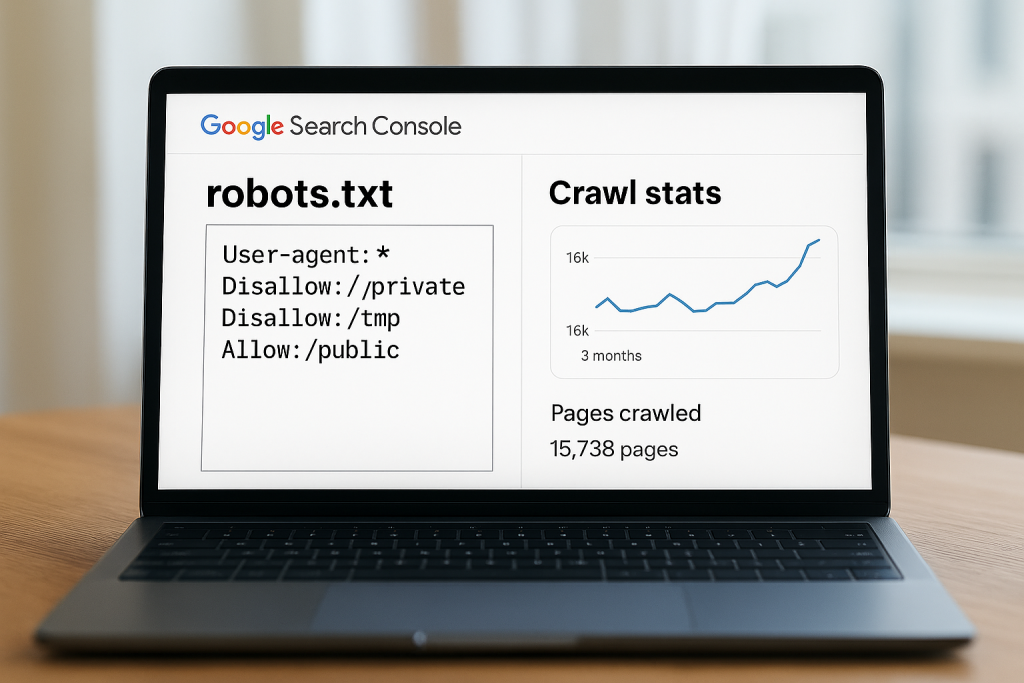
While you’re checking crawlability, review crawl statistics in Google Search Console’s Crawl Stats report. It shows pages crawled per day, kilobytes downloaded and time spent downloading pages. Large fluctuations may indicate broken pages or a blocked section of your site.
3. Confirm indexability
Being crawlable doesn’t guarantee that your pages are indexed. Use the Coverage report in Search Console to check which URLs are valid, excluded, valid with warnings or error states. You can also inspect individual URLs to see if they are indexed and why.
As an SEO expert, we suggest you run a crawl with Screaming Frog to assess indexability and the reasons why some URLs are non-indexable.
4. Review your XML sitemap
Your sitemap is a signpost for search engines. It should be a properly formatted XML file that contains only canonical URLs and excludes pages you don’t want indexed. We recommend including new pages when they’re added and resubmitting the sitemap in Search Console. Tools like Yoast or Screaming Frog can generate or validate sitemaps.
5. Ensure mobile-friendliness
Since Google uses mobile-first indexing, your site must work seamlessly on smaller screens. We recommend checking your site with Google’s Mobile-Friendly Test and manually browsing it on different devices.
At Seek Marketing Partners, we help clients by ensuring responsive design, legible fonts, and easily tappable buttons. A mobile-friendly site not only improves rankings but also conversions.
6. Optimise page speed and Core Web Vitals
Page speed is a ranking factor and a key user-experience metric. WordStream emphasises using Google PageSpeed Insights to assess and improve your site speed. It suggests optimising images, minifying CSS and JavaScript, reducing server requests and enabling caching.
Typically, in our technical SEO audits, we analyse Core Web Vitals and recommend improvements like optimising assets, using a content delivery network and cleaning up third-party scripts. Faster pages reduce bounce rates and help search engines crawl more pages in less time.
7. Check site structure and internal linking
A clear, logical site structure helps search engines understand the relationships between your pages and ensures link equity flows efficiently. Innermedia points out that a technical audit should examine internal linking, breadcrumb navigation and URL structure.
We recommend a shallow hierarchy where important pages are reachable within a few clicks from the homepage. Make sure your URLs are descriptive, consistent and free of unnecessary parameters. Also, avoid orphan pages or pages with no internal links pointing to them, because they are difficult for search engine crawlers to discover.
8. Address broken links and redirect chains
Broken links can waste crawl resources and harm user experience. Broken internal links should be fixed to avoid crawl waste and improve navigation.
- Use your crawl data or tools like Search Console to find pages returning 404 errors.
- Update or remove links pointing to these pages, or set up appropriate 301 redirects to relevant content.
- Also, check for redirect chains — multiple redirects in a row — and simplify them to a single 301 where possible. This speeds up crawling and improves user experience.
9. Detect and consolidate duplicate content
Duplicate content can confuse search engines and dilute ranking signals. WordStream warns that while there isn’t a penalty for duplication, Google may prioritise other versions of similar content instead of yours when it sees multiple copies.

At Seek Marketing Partners, during our technical audit, we use the crawl report to find pages with identical titles, meta descriptions or content. Implement canonical tags to indicate the preferred version, consolidate similar pages and avoid indexing printer-friendly versions.
In some cases, we use 301 redirects to merge pages.
10. Secure your site with HTTPS and good practices
Security is part of technical SEO because search engines prefer secure connections. Innermedia’s checklist includes checking the SSL certificate and ensuring forms are secure.
Make sure you use HTTPS across the entire site, update certificates before they expire and configure redirects from HTTP to HTTPS.
Mixed-content warnings like loading scripts or images over HTTP on an HTTPS page should also be resolved.
11. Implement structured data and schema
Structured data helps search engines interpret your content and can lead to rich results like FAQs, review stars or product snippets. Innermedia notes that a technical audit should review structured data and schema markup.
You should add relevant schema types and test them with Google’s Rich Results tool to ensure they are error-free. Adding structured data won’t guarantee rich snippets, but it increases your chances and improves the way search engines understand your content.
12. Analyse backlinks and external signals
While backlink analysis is often considered part of off-page SEO, a technical audit may surface toxic or low-quality links that need attention. We recommend performing a backlink audit to identify harmful links and maintain a healthy link profile.
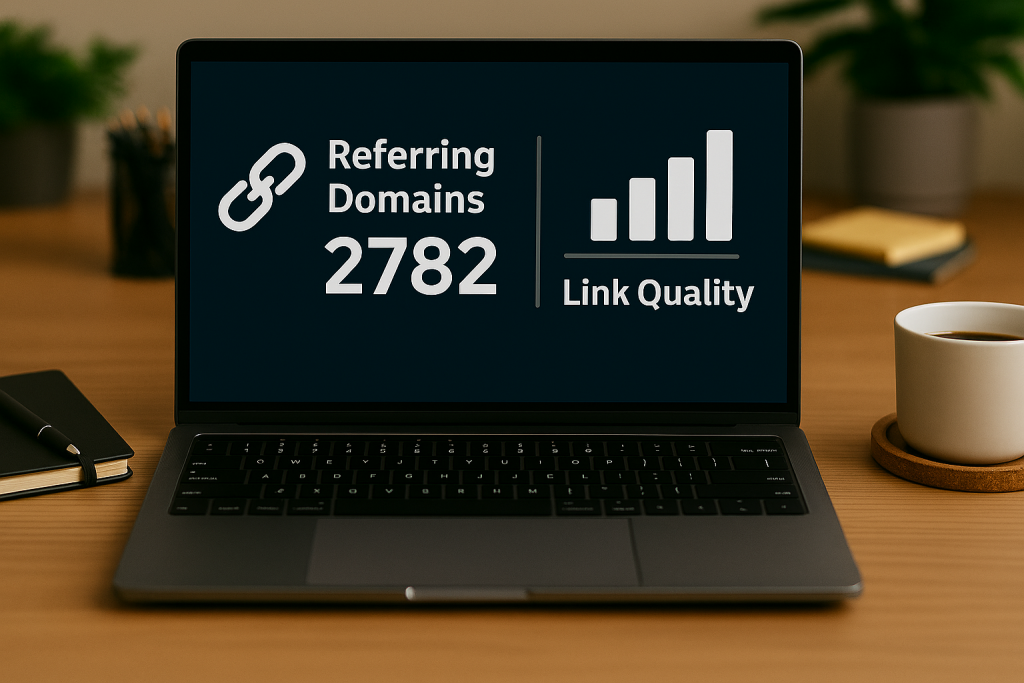
You should look at the quantity and quality of referring domains using tools such as Google Search Console or Ahrefs. In some cases, disavowing clearly harmful links may be necessary to reinforce your authority.
13. Review log files and crawl stats
For large sites or complex issues, log file analysis provides insight into how search bots interact with your server. WordStream suggests that analysing server logs can reveal which pages are prioritised, areas of crawl budget waste and server responses.
At Seek Marketing Partners, we do this by collecting samples of log data and identifying patterns such as:
- pages that Googlebot crawls frequently
- pages never crawled
- and errors.
This information informs decisions about internal linking, crawl budget and server optimisation.
Technical SEO Audit Checklist
Use this checklist as a quick reference for your audit:
- Run a crawl using Screaming Frog or a similar tool to collect data on every URL.
- Verify robots.txt and crawl stats to ensure you aren’t blocking important pages and that crawl rates are consistent.
- Check indexability via Search Console’s Coverage report and a crawler’s indexability columns.
- Review and update your XML sitemap, removing ‘noindex’ pages and including canonical URLs.
- Ensure mobile-friendliness with responsive design and Google’s Mobile-Friendly Test.
- Improve page speed with PageSpeed Insights, optimising images, caching and server response times.
- Check site structure and internal links – create a logical hierarchy, fix orphan pages and ensure descriptive URLs.
- Fix broken links and simplify redirects to conserve crawl budget.
- Resolve duplicate content using canonical tags and consolidate similar pages.
- Enable HTTPS and ensure secure forms across your site.
- Implement structured data where appropriate.
- Audit your backlink profile and disavow harmful links.
- Analyse log files and Search Console crawl stats for deeper insights.
Bottom Line
A technical SEO audit lays the groundwork for all other optimisation work. It ensures search engines can access and interpret your site, that users enjoy fast and secure pages, and that your content has the best chance of ranking.
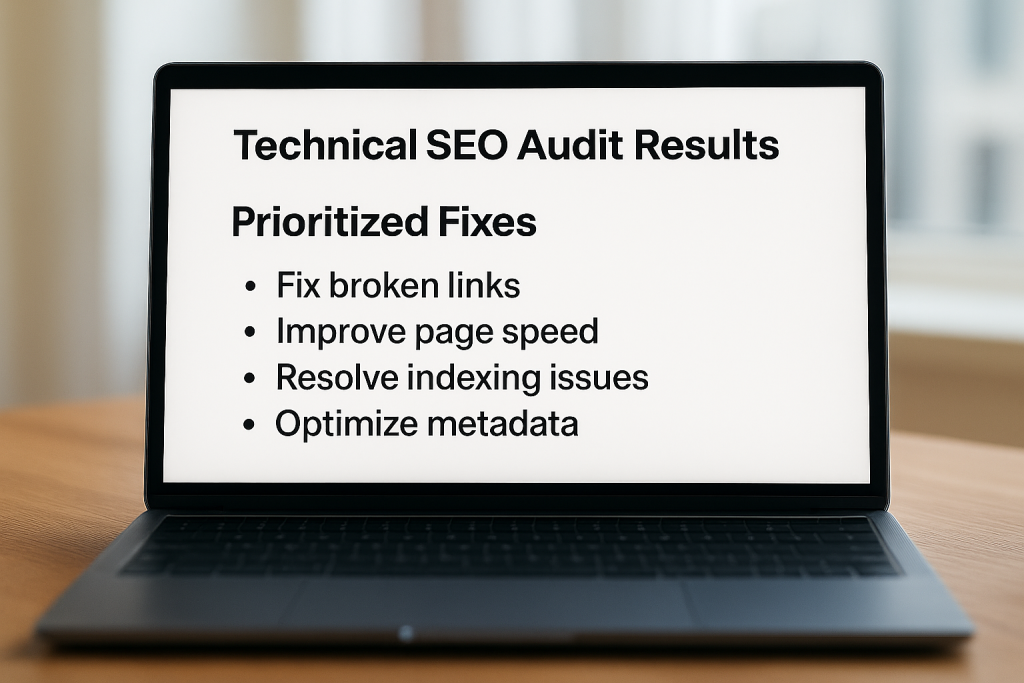
Our approach at Seek Marketing Partners is to help clients by conducting comprehensive technical audits, prioritising issues and implementing fixes that lead to measurable improvements.
We typically recommend beginning with a crawl, then working through crawlability, indexability, performance, structure, content, security and backlinks in a systematic way.
If your website’s performance has stagnated or you suspect technical barriers are holding you back, we can help. Get in touch with our SEO specialists for a personalised technical audit. We’ll identify issues, suggest clear solutions and work with you to implement them.
For more insights on technical optimisation, check out the rest of our digital marketing blogs. Let’s make your website technically sound and ready to compete in search.