
Crawl budget is simply the total number of pages search engines can crawl on your site within a given time. Google decides this based on:
- Crawl capacity – how fast and error-free your server is.
- Crawl demand – how often your content changes and how important it is.
In practice, it means Google allocates limited crawl resources to each site, so if your site is technically sound and high-quality, it is crawled more frequently.
For most small sites with under ~10,000 pages, you likely don’t need to worry about the crawl budget. But on large, dynamic sites, wasted crawls can hurt SEO: encountering large numbers of 404 errors or duplicate pages prevents Google from discovering valuable content.
Optimising crawl budget can help ensure important pages are found and indexed more efficiently, improving visibility.
How Google Allocates Crawl Budget?
As outlined above, Google’s crawl budget is determined by the crawl capacity limit and crawl demand. In other words, Googlebot throttles crawling to avoid overloading your server while also targeting the pages it thinks matter most.
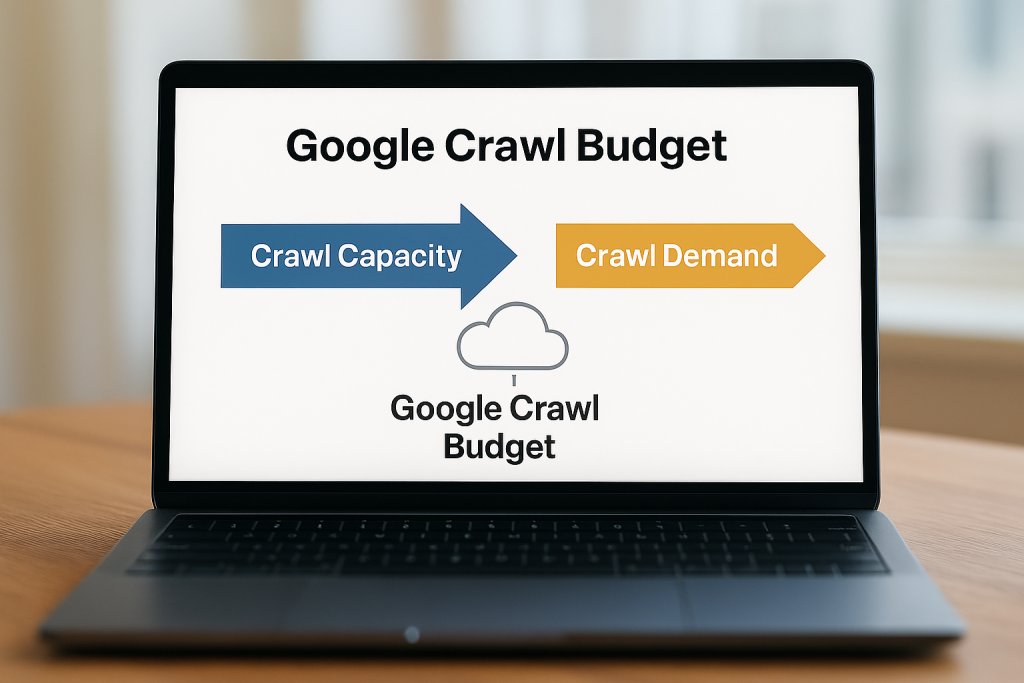
For capacity: if your site responds quickly and rarely gives errors, Google will crawl more pages at once. If your server is slow or often returns errors, Google will dial back the crawl rate to avoid strain.
For demand: popular, high-authority, or frequently-updated pages get crawled more often. Key factors include:
- Perceived Inventory: Googlebot tries to crawl most URLs it finds. If your site has many duplicate or low-value URLs, this wastes time.
- Popularity: Pages with more backlinks, traffic or engagement tend to be crawled more frequently. Google assumes popular content is valuable and keeps it fresher in the index.
- Freshness: Frequently updated content signals Google to re-crawl more often. Conversely, pages that rarely change get checked less.
- Site Events: Major changes like a site move or new section can spike crawl demand as Google re-processes your content.
In general, larger, faster, and more frequently updated sites get a higher crawl budget.
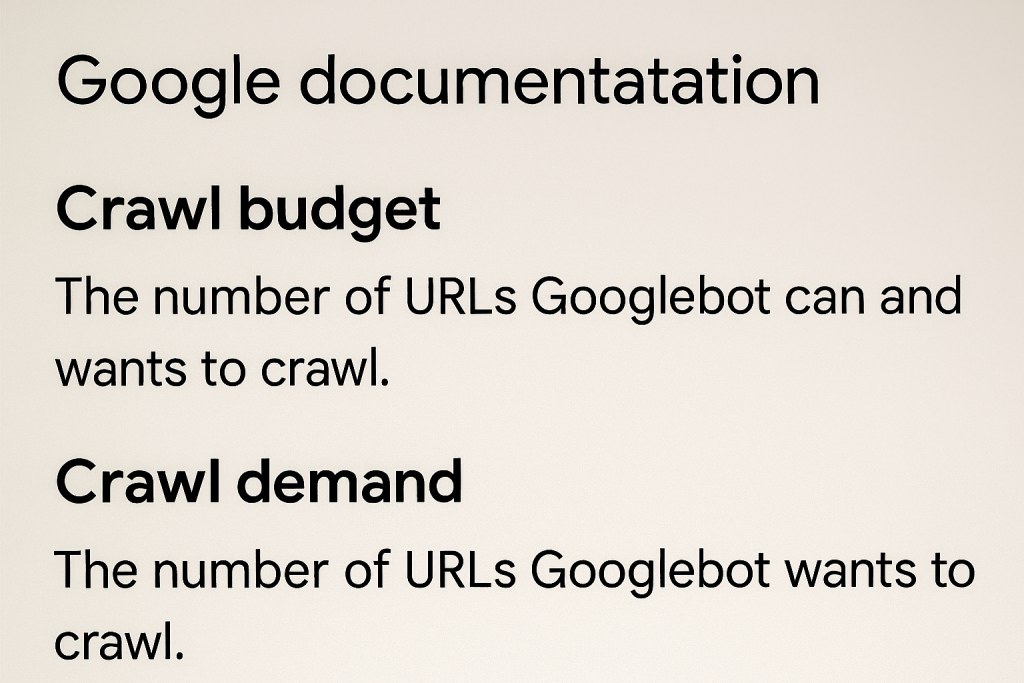
Google’s own docs put it like this:
“Taking crawl capacity and crawl demand together, Google defines a site’s crawl budget as the set of URLs that Google can and wants to crawl”.
Tips on How to Optimise Crawl Budget
Once you understand the crawl budget, you can improve it with smart technical SEO. Here are practical steps to make Googlebot work more efficiently on your site:
1. Fix broken and error pages
Return proper HTTP status codes. If a page is gone, serve a 404 or 410 – Google will then drop it from future crawls. Likewise, resolve any 500-series errors. Broken links waste crawl budgets by sending crawlers to dead ends, so fix or redirect them.
2. Consolidate duplicate or low-value content
Eliminate URL variations that show the same content. For example, printer-friendly pages or session-ID URLs can create duplicates that split Google’s crawl time. Use canonical tags or 301 redirects to point Google to the preferred URL. This ensures you aren’t wasting crawls on near-identical pages.
3. Use robots.txt and noindex wisely
Block crawling of truly useless or infinite pages via robots.txt. However, you should only block pages you never want in search; Google won’t reallocate that “freed-up” crawl budget unless your site is overloaded.
Important Note: Don’t use noindex as a budget hack – Google will still fetch those pages and then drop them, which wastes time.
4. Maintain up-to-date sitemaps
Keep your XML sitemap current with all key pages you want indexed, including <lastmod> tags so Google knows what’s new. Submit it in the Search Console. A good sitemap helps Google find important pages without wasted crawling.
5. Avoid redirect chains
Too many redirects in a row can slow down crawling. Fix chains so pages link directly (301 → 200). Long or looping redirects waste requests and can hurt crawl rates.
6. Improve site speed
Fast-loading pages let Googlebot crawl more per visit. So you should optimise images, minify code, use a CDN, and improve overall server response time. Google will reward a healthy, fast site with more aggressive crawling.
7. Strengthen internal linking
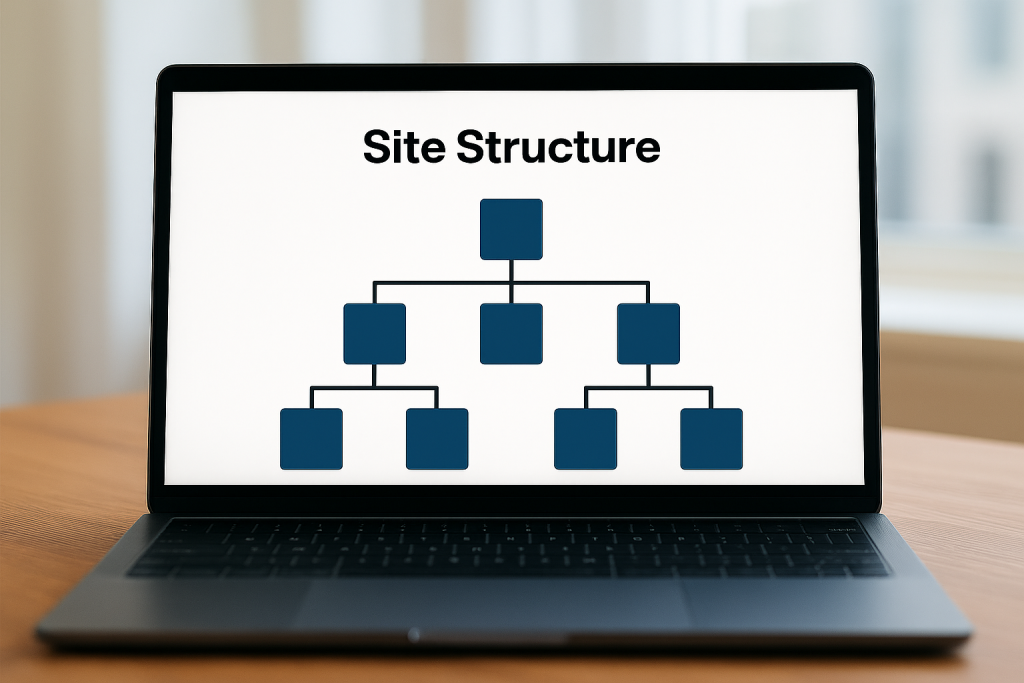
A clear, shallow site hierarchy ensures no page is more than a few clicks from the homepage. Organise links into logical categories and avoid orphan pages. This helps crawlers find all your content without getting lost, making the most of your crawl budget.
8. Monitor crawl waste with tools
Use technical SEO tools to identify problems. Google Search Console’s Crawl Stats report and Coverage report are key. One example is Semrush’s Site Audit, which can help identify issues where crawl budget may be wasted, such as duplicate content, redirect chains, and error pages. You can also analyse server logs or use Screaming Frog’s log analyser to see exactly what Googlebot is requesting.
Learn How to Check Your Crawl Budget
To see how Google is using your crawl budget, the primary tool is Google Search Console:
Crawl Stats report
In Search Console (domain property), go to Settings → Crawl Stats.
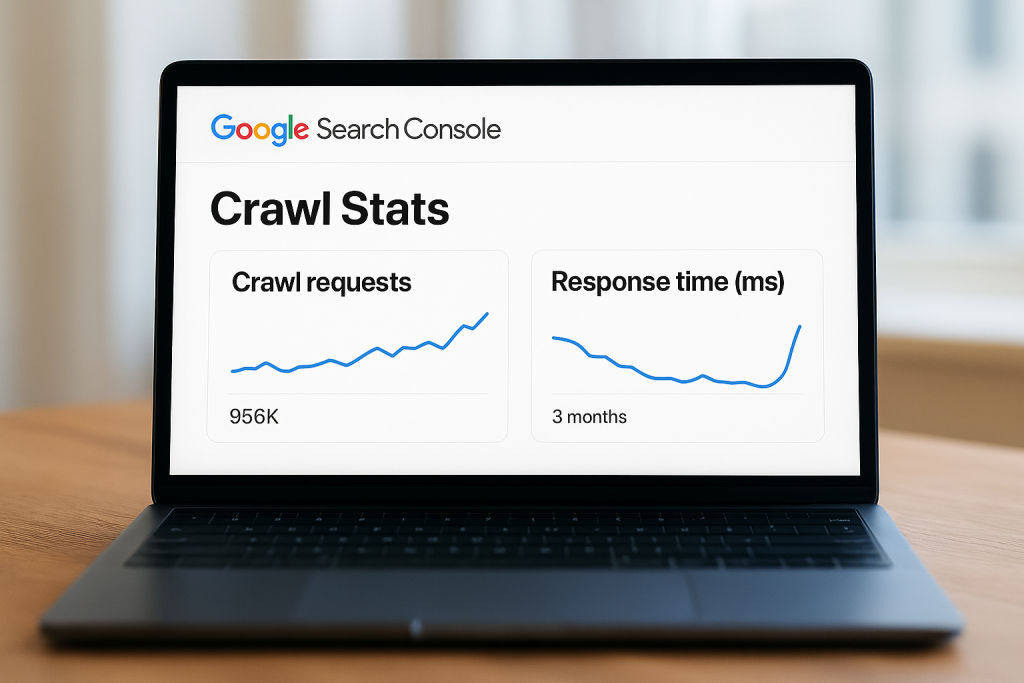
This shows charts for the total crawl requests Google made in the last 90 days, total download size, and average response time. A sudden drop in total requests or a spike in response time indicates trouble.
The Host Status panel highlights any site availability issues like DNS problems or slow server responses.
Crawl Responses and file types
The report breaks down requests by response code, file type, and Googlebot type. You can click into each to see examples of URLs. This helps spot if many important pages are returning 404 or 500, or if Googlebot is spending time on images or other files unnecessarily.
Crawl Purpose
It shows whether URLs are being crawled as:
- Discovery (new URL)
- Refresh (re-visiting a known page)
If fresh pages are rarely hit as “Discovery,” you may have an indexing delay issue.
Coverage report
Check “Discovered – currently not indexed”.
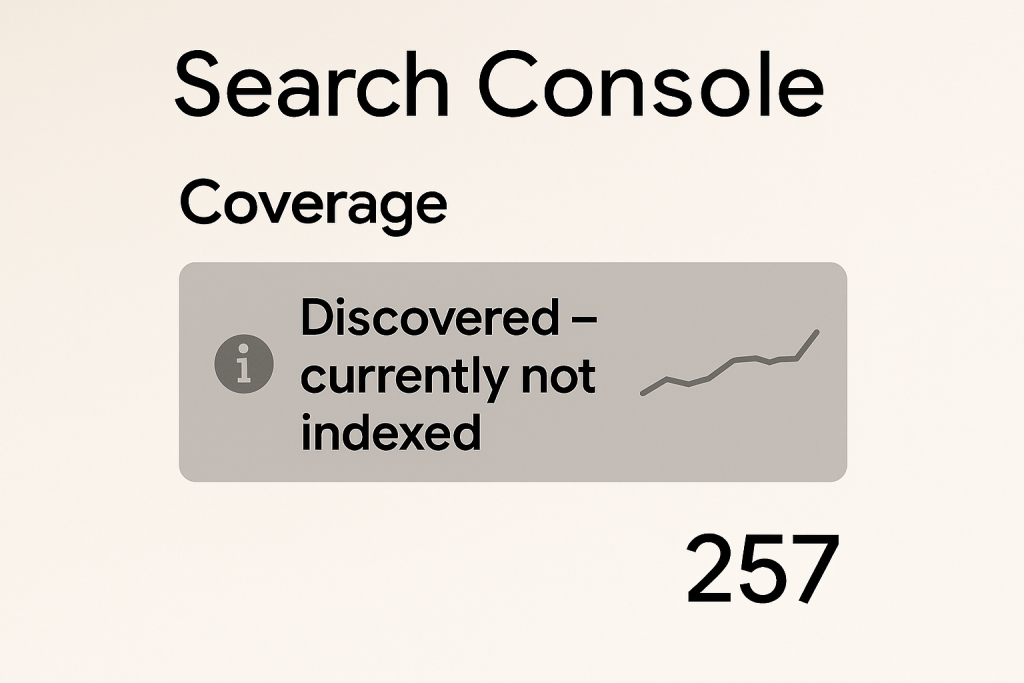
If this list is long, it means Google knows about many pages but isn’t crawling or indexing them. This could indicate crawl budget is being drained on unimportant URLs. Also review “Excluded” pages for too many blocked or duplicate URLs.
Improving Crawl Efficiency for Better Visibility
Optimising crawl budget isn’t just a technical exercise – it pays off in search performance. When Googlebot can crawl your site more efficiently, important pages get indexed faster and more reliably, which helps your rankings. For instance, ensuring no valuable page is orphaned or behind broken links means Google can discover and evaluate it.
A flatter site hierarchy with strong internal linking allows crawlers to prioritise high-value pages more efficiently. Likewise, boosting page speed lets Google visit more pages per session.
In practice, improving crawl efficiency can support better visibility and indexing performance. Optimising crawl budgets can support improved visibility and indexing performance in search results, so every bit of improved crawling efficiency can boost your chances of ranking well. In practice, that means if Google spends its allotted crawls on your best content, your site stays fresher in the index and more of your target pages appear in search.
In short, effective crawl management means faster updates in Google and can help you outpace competitors in visibility.
If you need expert support, see our SEO services – Seek Marketing Partners offers data-led SEO strategies and technical optimisation to ensure Google can crawl and index your site fully.