
Is your Google Business Profile suspended? We understand that this can be alarming. Your listing is often the first place potential customers discover your business online. Without access to Google’s local search features, your visibility drops, calls and leads decrease, and your reputation may be affected.
Many business owners are left wondering, “Why did my Google Business Profile get suspended?” While Google does not always provide a clear reason, most suspensions result from specific triggers or mistakes that violate Google’s guidelines. Understanding these issues is essential to recovering your profile and preventing future disruptions.
In this guide, we’ll cover common causes, actionable solutions, and best practices to help you maintain a healthy Google Business Profile.
Why Did My Google Business Profile Get Suspended?
If you’re asking yourself, “Why did my Google Business Profile get suspended?”, you’re not alone. Every year, thousands of business owners face this problem, sometimes without warning. A suspended profile can disrupt your online presence, reduce leads, and, in some cases, halt business operations. Recognising both the triggers and mistakes that lead to suspension is crucial to getting reinstated.
Common Triggers of a GBP Suspension
Google doesn’t always specify why a profile is suspended, but common causes include:
Keyword Stuffing in the Business Name
Adding extra words or locations – like “Best Locksmith in London—24/7 Service” – violates Google guidelines. The business name must reflect what is officially registered and appear on signage or official documentation.
Virtual Addresses or Co-working Spaces
Businesses using P.O. boxes, virtual offices, or shared spaces risk suspension. Google wants a verifiable physical location where customers can interact with the business.
Frequent or Large Profile Updates
Multiple edits at once – changing hours, categories, or website links – can flag your profile as suspicious. Even legitimate updates should be applied gradually.
Duplicate Listings
Multiple listings for the same business or address can cause confusion and appear as spam, which often leads to suspension.
High-Risk Categories
Certain industries, like locksmiths, lawyers, HVAC, plumbing, and pest control, are more closely monitored due to higher rates of fraudulent listings.
Account-Related Issues
Suspended manager accounts, or users performing questionable edits, may trigger a suspension of your profile, even if you did not make the changes.
Need help keeping your Google Business Profile compliant and optimised? Our Local SEO Services can ensure your profile meets Google’s guidelines and stays visible to customers.
Usual Mistakes That Lead to Suspension
Common errors business owners make include:
Inconsistent Business Information
Your business name, address, and phone number should match across your website, social profiles, and official documents.
Mismanaged Service Area Businesses
Service Area Businesses (SABs) that display addresses incorrectly can be flagged. Switching to a SAB without proper verification can trigger issues.
Incorrect Business Hours
Showing 24/7 availability without staffing those hours is problematic. Accurate hours ensure customers know when they can visit.
Outdated or Incorrect Website Links
Directing users to social pages or forwarding URLs instead of an official website may appear suspicious.
Improper Verification
A profile that isn’t verified or has ownership changes without documentation may face suspension.
Duplicate or Overlapping Listings
Overlapping service areas or multiple profiles in the same location create confusion and increase the chance of suspension.
Immediate Steps to Take After a Suspension
If your profile has been suspended, acting quickly is essential. Follow these steps:
Review Google’s Guidelines
Check the Google Business Profile Guidelines to understand potential violations.
Document Everything
Take screenshots of your profile, previous edits, and any verification documents. This documentation may be required during the appeal process.
Identify Potential Violations
Review your profile for duplicate listings, keyword-stuffed names, inaccurate addresses, or other guideline breaches.
Submit a Reinstatement Request
Use Google’s official appeal form to request reinstatement. Include all supporting documents and a clear explanation of changes made.
Be Patient but Persistent
Google reviews requests carefully, and reinstatement can take days or weeks. Avoid submitting multiple appeals simultaneously, as this may slow the process.
Our Digital PR services can help protect your Google Business Profile by maintaining a strong, trustworthy online presence and reducing the risk of future suspensions.
How to Prevent Your Google Business Profile from Getting Suspended
Preventing your Google Business Profile from getting suspended requires a proactive and consistent approach. Here are key strategies to safeguard your listing:
Maintain Consistency
Ensure your business name, address, and phone number are uniform across your website, social profiles, and Google Business Profile. Inconsistent information is a common cause of suspensions.
Keep Listings Accurate
Choose categories and services that accurately reflect your business. Avoid keyword stuffing or misleading information that could be seen as spam
Document Your Location
If you operate from a home office, co-working space, or multi-business location, keep verification documents like utility bills or photos on hand.
Audit Your Profile Regularly
Schedule quarterly reviews to check that business information, hours, and website links are correct.
Monitor User Contributions
Ensure your business name, address, and phone number are uniform across your website, social profiles, and Google Business Profile. Inconsistent information is a common cause of suspensions.
Keep Listings Accurate
Choose categories and services that accurately reflect your business. Avoid keyword stuffing or misleading information that could be seen as spam.
Document Your Location
If you operate from a home office, co-working space, or multi-business location, keep verification documents like utility bills or photos on hand.
Audit Your Profile Regularly
Schedule quarterly reviews to check that business information, hours, and website links are correct.
Monitor User Contributions
Keep an eye on reviews, edits, and user-submitted updates to prevent unauthorised changes.
Update Gradually
Make incremental changes to your profile, and maintain records of significant edits to avoid triggering automated flags
Eliminate Duplicates
Merge or remove duplicate listings to prevent conflicts and confusion.
Avoid Aggressive SEO Tactics
Practices like fake reviews, misleading service areas, or keyword stuffing can lead to permanent suspension.
Verify Ownership Properly
Keep your Google account active and verification documents up-to-date to ensure you maintain control of your listing.
Maintain Transparency
Ensure that your business name, categories, and services reflect your actual operations, providing clear information for customers and Google alike.
By combining awareness of triggers with proactive prevention, you can reduce the risk of suspension and maintain visibility for your customers.
Investing in content marketing for your local business can enhance your online presence, provide accurate business information, and support a healthy Google Business Profile to prevent future suspensions.
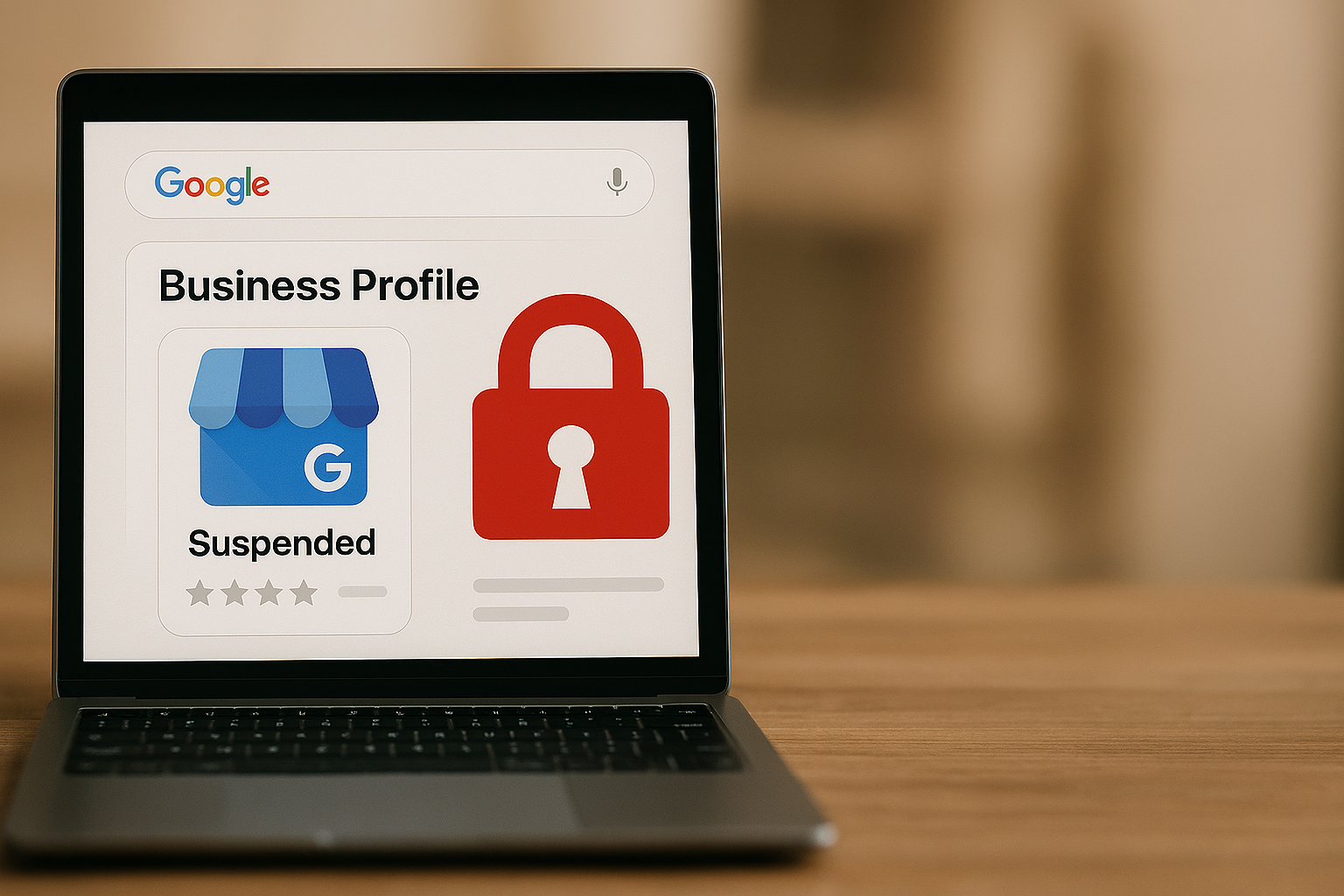
Restoring and Protecting Your Google Business Profile
A suspended Google Business Profile can feel frustrating, but understanding the reasons behind the suspension and the common mistakes that trigger it is the first step toward recovery. By carefully auditing your profile, submitting a thorough appeal, and following preventative best practices, you can restore your presence and safeguard your business against future disruptions.
Remember, accurate information, consistency, and proper verification are your strongest tools. If you find yourself asking, “Why did my Google Business Profile get suspended?”, refer back to the triggers and mistakes outlined here to identify the cause and take action promptly.